
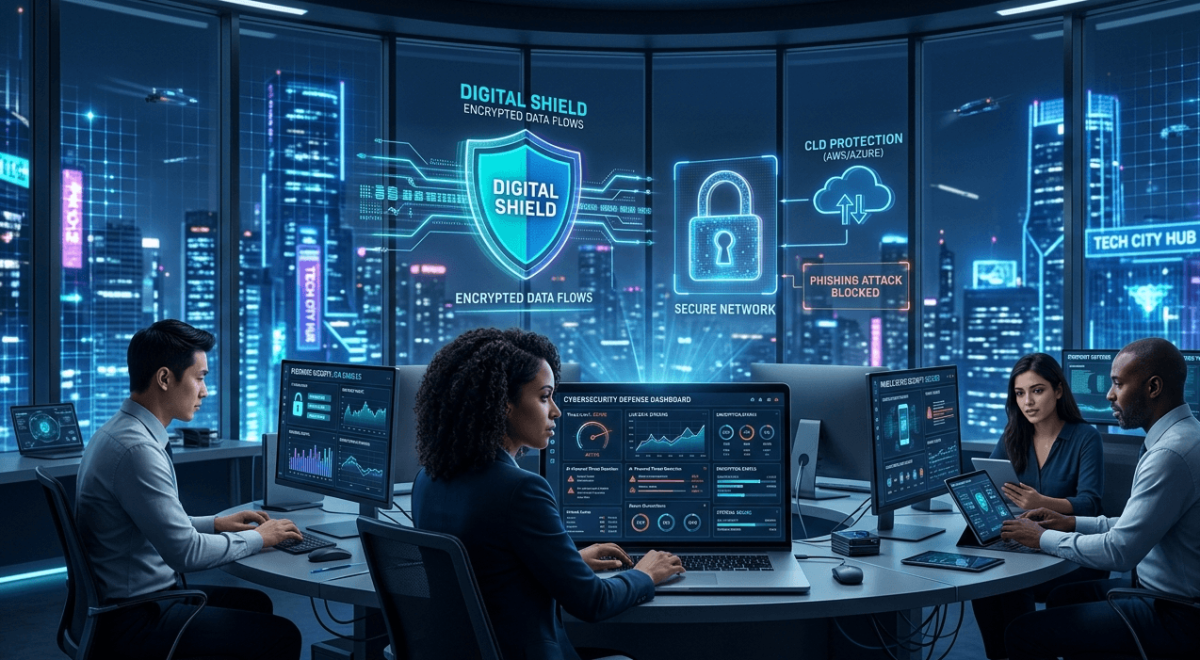
Learn powerful cybersecurity tips everyone should know to stay safe online. Discover how technology, passwords, privacy, and smart security habits protect your personal and business data.
Modern technology has changed the way people work, communicate, shop, and learn. Today, almost every part of life depends on the internet and digital devices. While technology offers convenience and speed, it also creates new security risks. Cybercriminals constantly search for weak passwords, unsafe websites, and personal information they can steal.
Cybersecurity is no longer only for large companies or IT professionals. Every internet user needs basic cybersecurity knowledge to stay protected online. A single mistake, such as clicking a fake email link or using a weak password, can lead to financial loss, identity theft, or privacy problems.
This guide explains the most important cybersecurity tips everyone should know. It covers safe internet habits, password protection, online privacy, mobile device security, and many other essential technology safety practices.
What Is Cybersecurity?
Cybersecurity refers to the protection of computers, mobile devices, online accounts, networks, and personal data from digital attacks. It includes tools, strategies, and habits that help prevent hackers, malware, and cybercriminals from accessing sensitive information.
Cybersecurity protects:
- Personal information
- Banking details
- Social media accounts
- Emails
- Business files
- Online transactions
- Digital identity
As technology continues to grow, cybersecurity becomes more important for individuals, families, and businesses around the world.
Why Cybersecurity Matters in Modern Technology
Technology connects billions of people globally. However, cyber threats are also increasing rapidly. Criminals use advanced methods to steal passwords, spread viruses, and trick people into sharing personal information.
Strong cybersecurity habits help users:
- Protect private data
- Prevent identity theft
- Avoid financial scams
- Secure online payments
- Keep devices running safely
- Protect children online
- Prevent business data leaks
Without proper cybersecurity awareness, even simple online activities can become dangerous.
Common Cyber Threats You Should Know
Phishing Scams
Phishing attacks use fake emails, messages, or websites to trick users into revealing passwords or financial details. These scams often look professional and convincing.
Example:
A fake banking email asks you to “verify your account” by clicking a dangerous link.
Malware
Malware is harmful software designed to damage devices or steal information. Common types include viruses, spyware, and ransomware.
Ransomware
Ransomware locks files or systems until victims pay money to hackers. Businesses and individuals are frequent targets.
Identity Theft
Cybercriminals steal personal information such as ID numbers, addresses, or banking details to commit fraud.
Social Media Hacking
Hackers can access social media accounts through weak passwords or scam links.
Strong Password Protection Tips
Passwords are the first defense against cyber attacks. Weak passwords make it easy for hackers to access accounts.
Best Password Practices
- Use long passwords with at least 12 characters
- Combine uppercase letters, lowercase letters, numbers, and symbols
- Avoid using birthdays or simple words
- Never reuse the same password
- Change passwords regularly
Use Password Managers
Password managers securely store complex passwords. They help users maintain strong cybersecurity habits without forgetting login details.
Enable Two-Factor Authentication
Two-factor authentication adds an extra security layer. Users must confirm identity through another device or code after entering a password.
Safe Internet Browsing Habits
Safe browsing is one of the most important cybersecurity practices in modern technology.
Browse Secure Websites
Always check for:
- HTTPS in website URLs
- Security lock icon in the browser
Avoid Suspicious Downloads
Never download files from unknown websites or random pop-up advertisements.
Be Careful With Public Links
Shortened or unfamiliar links may lead to harmful websites designed to steal data.
Keep Browsers Updated
Modern browsers release security updates that fix vulnerabilities and improve online protection.
Email Scam Awareness
Email scams continue to grow worldwide. Many cybercriminals pretend to be trusted companies or government organizations.
Warning Signs of Scam Emails
- Poor grammar or spelling
- Urgent threats or fake prizes
- Unknown attachments
- Suspicious links
- Requests for personal information
Real-Life Example
A user receives an email claiming they won a smartphone prize. After clicking the link, hackers steal their login credentials.
Always verify email sources before taking action.
Public Wi-Fi Dangers
Public Wi-Fi networks in airports, hotels, and cafes are convenient but risky.
Hackers can monitor unsecured networks and steal user information.
Public Wi-Fi Safety Tips
- Avoid banking on public Wi-Fi
- Use a VPN service
- Disable automatic Wi-Fi connections
- Turn off file sharing
- Use mobile data for sensitive activities
Technology makes public internet access easy, but users must stay cautious.
Social Media Privacy Tips
Social media platforms contain large amounts of personal information. Oversharing can increase cybersecurity risks.
How to Stay Safe on Social Media
- Keep profiles private
- Avoid sharing location details publicly
- Do not post sensitive personal information
- Be careful with friend requests from strangers
- Use strong passwords
Cybercriminals often gather information from public social media profiles to create scams.
Mobile Phone Security
Smartphones store personal messages, banking apps, photos, and business data. Mobile cybersecurity is extremely important.
Mobile Security Best Practices
- Use screen locks or fingerprint security
- Install apps only from trusted stores
- Avoid rooting or jailbreaking devices
- Update mobile software regularly
- Turn on device tracking features
App Permission Awareness
Some apps request unnecessary permissions such as contacts, camera access, or location tracking. Always review permissions carefully.
Why Software Updates Matter
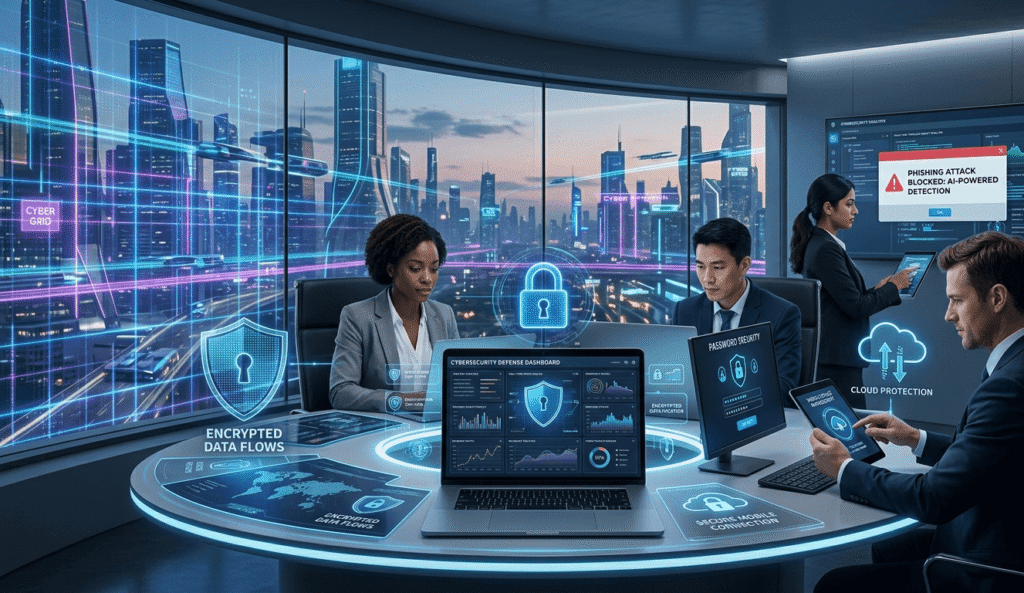
Software updates improve security and fix system weaknesses.
Ignoring updates can leave devices vulnerable to cyber attacks.
Update Important Software Regularly
- Operating systems
- Browsers
- Antivirus programs
- Banking apps
- Mobile applications
Technology companies release updates to protect users from new security threats.
Data Backup Strategies
Data loss can happen because of cyber attacks, accidental deletion, or hardware failure.
Regular backups help users recover important files quickly.
Effective Backup Methods
- Cloud storage backups
- External hard drives
- Automatic backup systems
Backup Rule
Experts recommend keeping:
- One original copy
- Two backup copies
- Stored in different locations
Online Shopping Safety Tips
Online shopping continues to grow with modern technology. However, fake stores and payment scams also increase.
Safe Online Shopping Habits
- Shop from trusted websites
- Avoid unrealistic discounts
- Use secure payment methods
- Never save card details on unknown websites
- Check customer reviews carefully
Real-Life Scenario
A shopper purchases products from a fake online store offering huge discounts. After payment, the website disappears completely.
Always research online sellers before purchasing.
Cybersecurity for Families and Children
Children use technology daily for education and entertainment. Parents should teach safe online behavior early.
Family Cybersecurity Tips
- Use parental controls
- Teach children about online strangers
- Monitor screen time
- Create strong family passwords
- Encourage open communication about online experiences
Cybersecurity education helps children develop safe digital habits for the future.
Small Business Cybersecurity Basics
Small businesses are frequent targets for cybercriminals because they often lack strong security systems.
Important Business Security Tips
- Train employees about phishing scams
- Use secure cloud storage
- Install antivirus software
- Protect customer information
- Create data backup plans
- Limit employee access to sensitive files
Strong cybersecurity improves customer trust and business reputation.
The Future of Cybersecurity Technology
Technology continues evolving rapidly. Artificial intelligence, smart devices, and cloud computing create both opportunities and challenges.
Future cybersecurity trends include:
- AI-powered security systems
- Biometric authentication
- Advanced encryption
- Zero-trust security models
- Improved cloud protection
As cyber threats become more advanced, cybersecurity technology must continue improving.
Benefits of Cybersecurity Awareness
Strong cybersecurity habits provide many advantages.
Advantages
Better Personal Privacy
Users can protect personal information from hackers and scams.
Financial Protection
Safe online habits reduce the risk of fraud and stolen banking information.
Safer Technology Use
People can browse, shop, and communicate online with greater confidence.
Improved Business Security
Businesses protect customer trust and sensitive company data.
Reduced Cyber Risks
Strong cybersecurity lowers the chances of malware infections and hacking attempts.
Disadvantages and Challenges of Poor Cybersecurity Habits
Ignoring cybersecurity creates serious problems.
Disadvantages
Increased Risk of Identity Theft
Hackers can misuse stolen personal information.
Financial Loss
Scams and cyber attacks may cause major financial damage.
Privacy Violations
Personal photos, emails, and private data can become exposed online.
Business Reputation Damage
Companies that suffer cyber attacks may lose customer trust.
Emotional Stress
Victims of cybercrime often experience fear, anxiety, and frustration.
Expert Cybersecurity Tips
- Always verify website security before entering personal information
- Avoid clicking unknown email links
- Use antivirus software on all devices
- Create unique passwords for every account
- Enable two-factor authentication
- Back up important files regularly
- Monitor financial accounts frequently
- Stay informed about new cyber threats
Common Cybersecurity Mistakes People Should Avoid
Many online users unknowingly increase security risks through simple mistakes.
Common Errors
- Using weak passwords
- Ignoring software updates
- Sharing too much online
- Reusing passwords
- Clicking suspicious links
- Downloading unknown files
- Using unsecured public Wi-Fi
- Disabling antivirus software
Avoiding these mistakes greatly improves online safety.
Frequently Asked Questions
1. What is the main purpose of cybersecurity?
Cybersecurity protects devices, accounts, and personal information from hackers, malware, and digital threats.
2. Why is cybersecurity important in modern technology?
Technology connects people globally, but it also creates online risks. Cybersecurity helps users stay safe while using digital services.
3. What is phishing?
Phishing is a scam where attackers pretend to be trusted organizations to steal passwords or financial details.
4. How can I create a strong password?
Use long passwords with mixed characters, avoid personal information, and never reuse passwords.
5. Is public Wi-Fi dangerous?
Yes. Public Wi-Fi networks may expose personal information if users access sensitive accounts without protection.
6. How often should I update my software?
Install updates as soon as possible because they often fix important security vulnerabilities.
7. Can small businesses become cyber attack targets?
Yes. Small businesses are common targets because many lack advanced cybersecurity systems.
8. What should parents teach children about cybersecurity?
Children should learn about privacy, online strangers, safe websites, and the importance of protecting personal information.
Suggested Image Alt Text
- “Cybersecurity technology protection concept”
- “Safe internet browsing on modern devices”
- “Online privacy and data protection”
- “Technology security tips illustration”
- “Strong password cybersecurity protection”
Internal Linking Suggestions
- Best Password Manager Tools
- How to Stay Safe on Social Media
- Technology Trends Changing Modern Life
- Beginner Guide to Online Privacy
- Smart Ways to Protect Personal Data
External Linking Suggestions
- Government cybersecurity awareness websites
- Trusted antivirus software providers
- Official browser security guides
- Online privacy education resources
EEAT Optimization Notes
This article follows Experience, Expertise, Authoritativeness, and Trustworthiness principles by:
- Providing accurate educational information
- Using practical real-world examples
- Avoiding exaggerated claims
- Encouraging safe online behavior
- Offering balanced and trustworthy advice
Conclusion
Cybersecurity is no longer optional in today’s technology-driven world. Every internet user faces online risks daily, from phishing scams to data theft and malware attacks. Fortunately, simple habits such as using strong passwords, updating software, and browsing safely can significantly improve online protection.
As technology continues evolving, cybersecurity awareness becomes even more important for individuals, families, and businesses. Learning safe online practices today helps create a safer digital future tomorrow.
Call to Action
Start improving your cybersecurity habits today. Protect your devices, secure your accounts, and stay informed about the latest technology threats. Share these cybersecurity tips with family and friends so everyone can enjoy a safer online experience.